Looking to explore the Animal Crossing: New Horizons hotel? The 3.0 update has introduced several major additions, from rare items to new villagers, but the hotel is the real star of the show. In this guide, we break down how to access the hotel and everything you can expect from this major building in the ACNH update.
How to Unlock the Hotel
To use the new hotel, you first need to ensure your game is running Version 3.0. This free content update is available for both the Nintendo Switch and the Nintendo Switch 2.
Once your software is updated, follow these steps to access the hotel:
- Have an Island with a 3 Star Rating: The hotel won’t be built until your island is at least a 3 star rating.
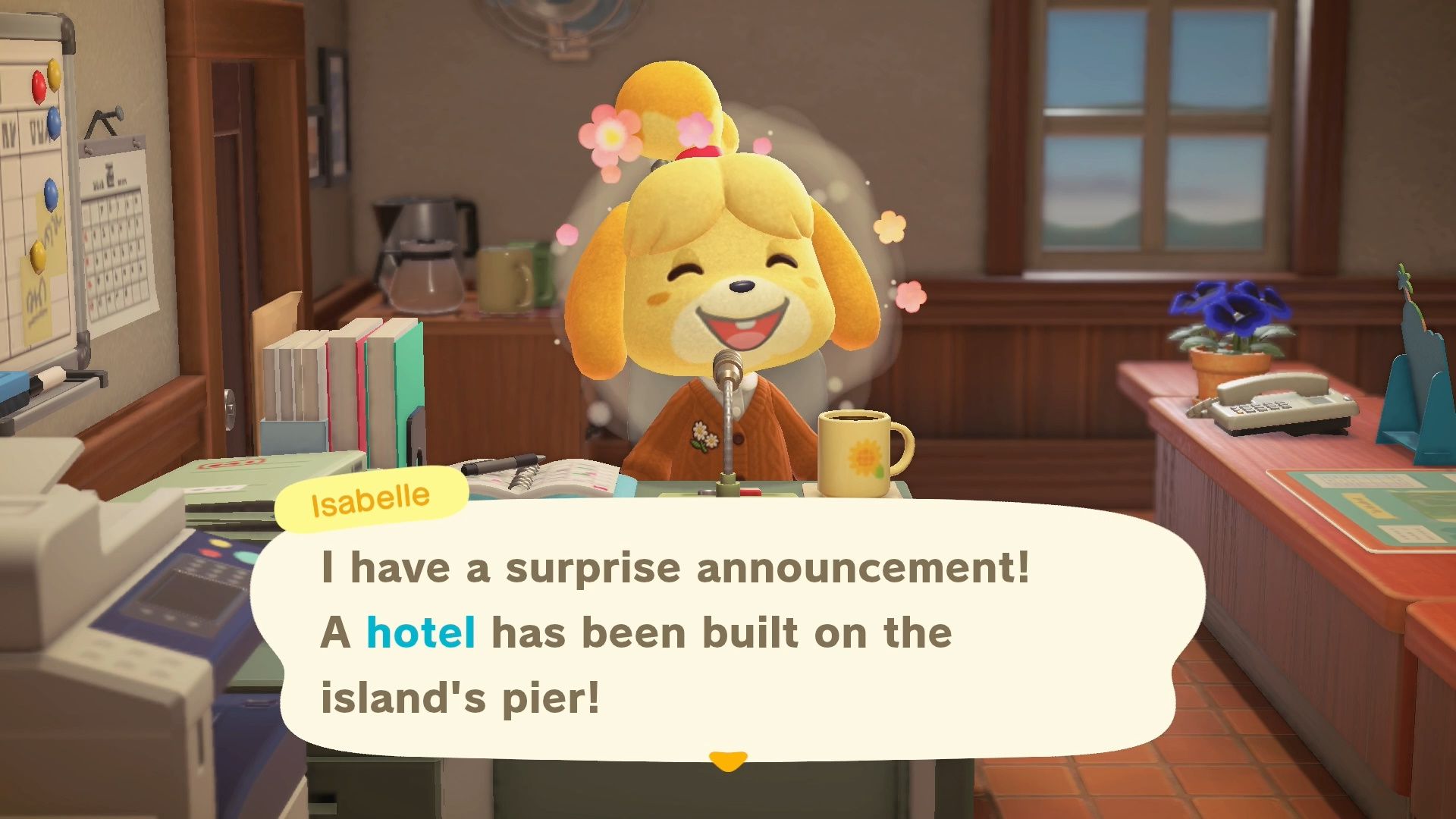
- Listen to the Island Announcement: Isabelle will announce the grand opening of the hotel during her daily broadcast.
- Visit the Pier: Head to the wooden pier on your island (where Kapp’n usually docks his boat). You’ll find that the pier has been expanded to accommodate the new hotel building!
- Speak with Tom Nook: Enter the lobby to trigger a cutscene with Tom Nook and Kapp’n’s family to officially begin your new role as a room designer.
- Talk to Leilani: Once the cutscene concludes, approach Leilani at the front desk. She will invite you to decorate the the first hotel room.
Room 1: Designing the Seaside Suite
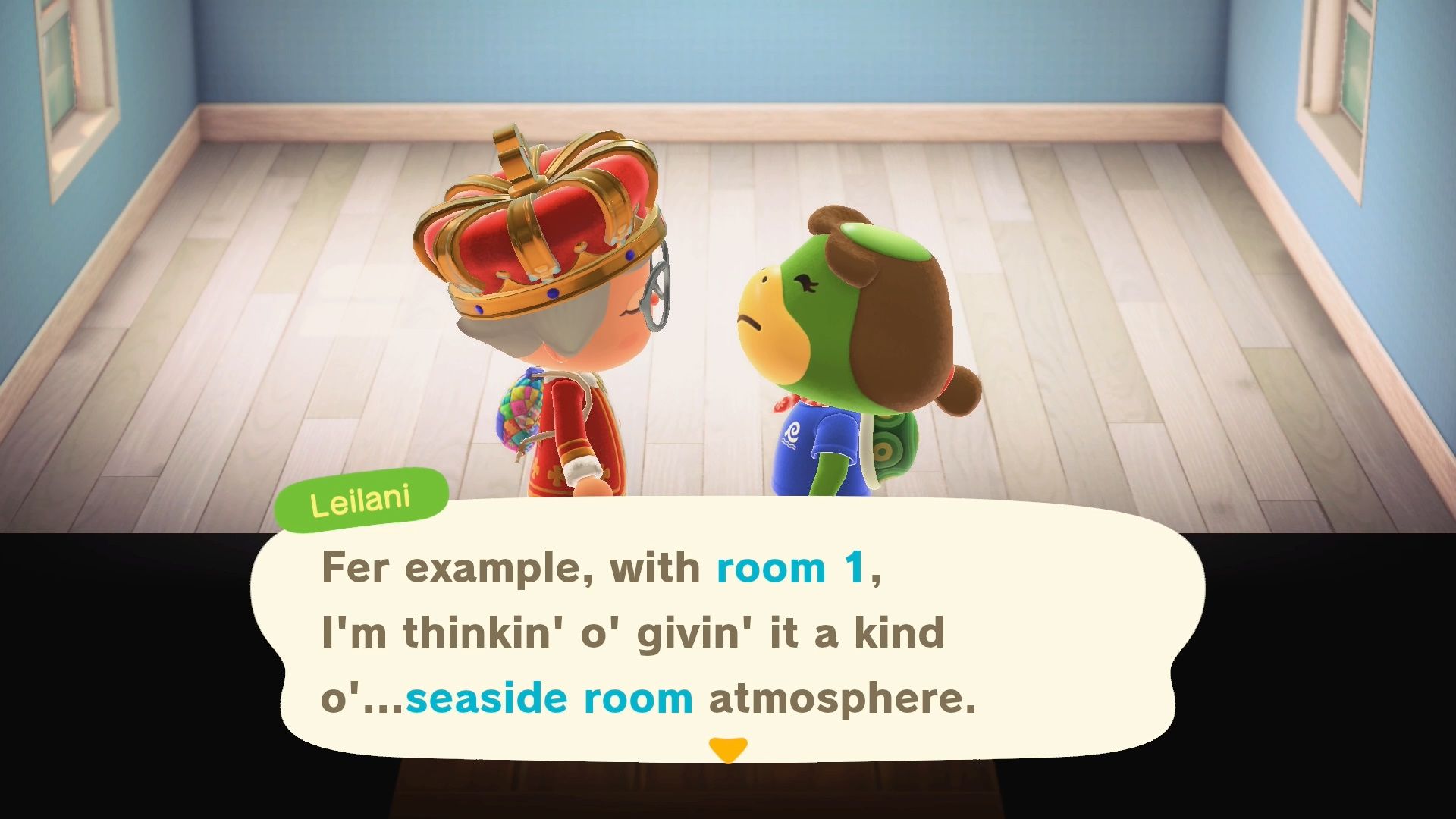
To officially open the resort, you must complete your first assignment: The Seaside Room. Leilani will request a “Seaside Atmosphere,” and you’ll need to use the Recommended Tab in the decorating menu to find the perfect pieces. This filter automatically suggests ocean-themed items for you to place in the room.
To finish the job, place at least three recommended items—though you have total creative freedom to add more! Once you’re done, speak to Leilani, snap a photo with your NookPhone, and watch your first guest check in. Your reward for completing this room is 200 Hotel Tickets.
Decorating the Other Rooms (8 Total)
There are eight standard rooms available to decorate in the hotel. The game limits your progress to two rooms per IRL (In-Real-Life) day.
For every room after the first, the process remains the same:
- Pick Your Theme: Choose from the two styles offered by Leilani.
- Decorate: Place at least three items from the updated “Recommended Tab.”
- Collect Your Pay: Speak to Leilani to finalize the room and bank another 200 Hotel Tickets.
Once you have successfully decorated all eight standard rooms, you will unlock the special VIP Room! This room allows you to invite one of the current hotel guests to stay in it for a day.
VIP Room
The VIP special suite becomes available the day after you finish decorating all eight standard rooms. This special room can be decorated using special VIP only themes.
Additionally this room allows you to invite one specific hotel guest to stay in the luxury suite for 24 hours.
Redecorating for Tickets
Once the VIP Room is officially open, you unlock a permanent way to earn currency. Even after all rooms are complete, you can redecorate one room per day (either a Standard room or the VIP room).
- The Limit: You are limited to one redecoration per day, so choose your project wisely!
- The Reward: Every time you refresh a room’s theme (important), Leilani will pay you 200 Hotel Tickets.
Hotel Souvenir Shop
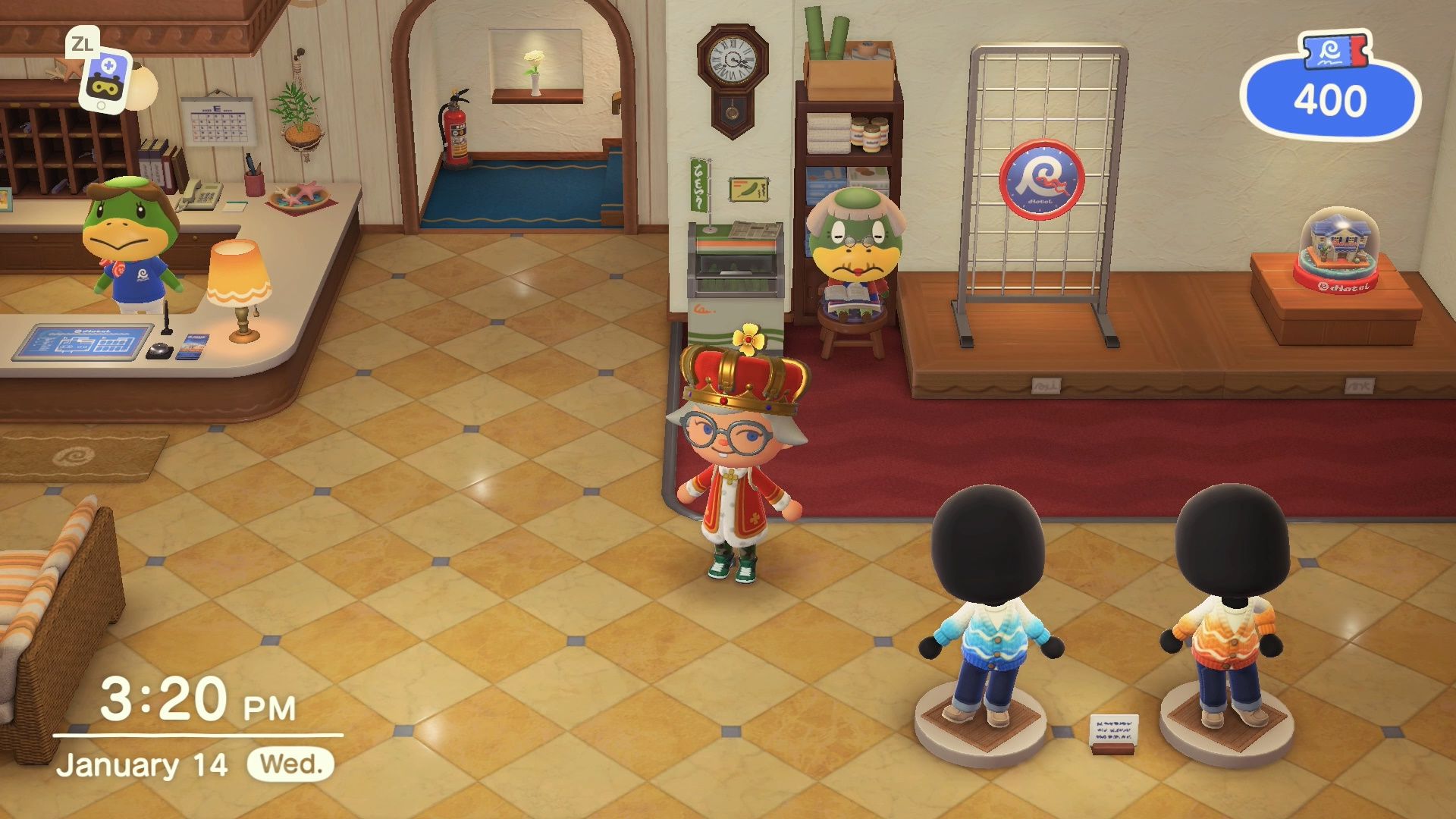
Each time you decorate a room in the hotel you earn 200 Hotel Tickets. These tickets can be spent in the Hotel Souvenir Shop. The shop sells unique hotel themed items that change each IRL day.
| Feature | Details |
| Location | Grams’ stall is on the right side of the hotel lobby. |
| Inventory | Hotel-exclusive souvenirs, resort apparel, and luxury furniture. |
| Refresh Time | Stock rotates every morning at 5:00 AM. |
Because the stock rotates each day, it is important to check the story regularly. This is the cheapest way to get the hotel items you want. If you don’t want to wait, you can use the Hotel Souvenir Shop Catalog by speaking to Grams.
Hotel Souvenir Catalog
If you’re looking for a specific item you’ve seen before, you can speak to Grams to access the Hotel Catalog. This feature allows you to order any resort souvenir or furniture item you have unlocked.
However, there are two important things to keep in mind before you order:
- Premium Pricing: Items in the catalog are more expensive than those found on the shop floor. You are essentially paying a “convenience fee” to skip the daily rotation.
- Delivery Time: Unlike shop items which go directly into your pockets, catalog orders are sent to you via the in-game mail system. You will have to wait until the next day to receive your items.
The Verdict: Only use the catalog if you have extra Hotel Tickets to burn and don’t mind waiting a day for delivery. Otherwise, it is much cheaper and faster to buy items directly from the shop as they appear!
Mannequins in the Hotel Souvenir Shop
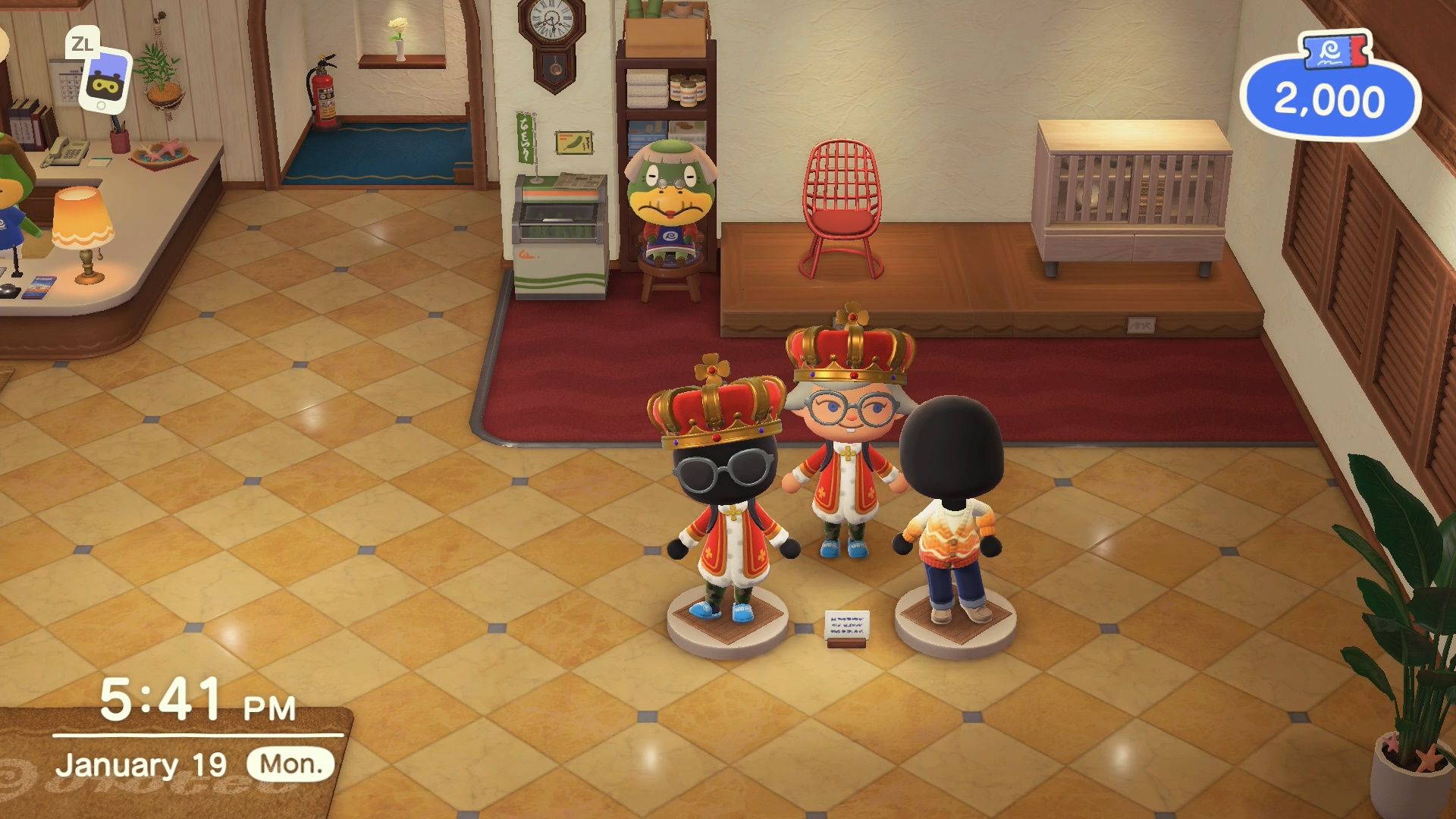
On the second IRL day, when you enter the hotel, you will encounter Leilani standing next to the mannequins in the souvenir shop. Leilani will tell you that guests can borrow the outfits on the mannequins to wear around the island.
You can create outfits for the mannequins by interacting with them and selecting “Change Outfit.” Guests may wear the custom outfit you put on the mannequin while visiting your island.
Visiting Hotel Guests in Their Rooms
Guests will begin occupying the rooms you’ve designed. To visit them, simply head up the stairwell located in the back of the hotel lobby.
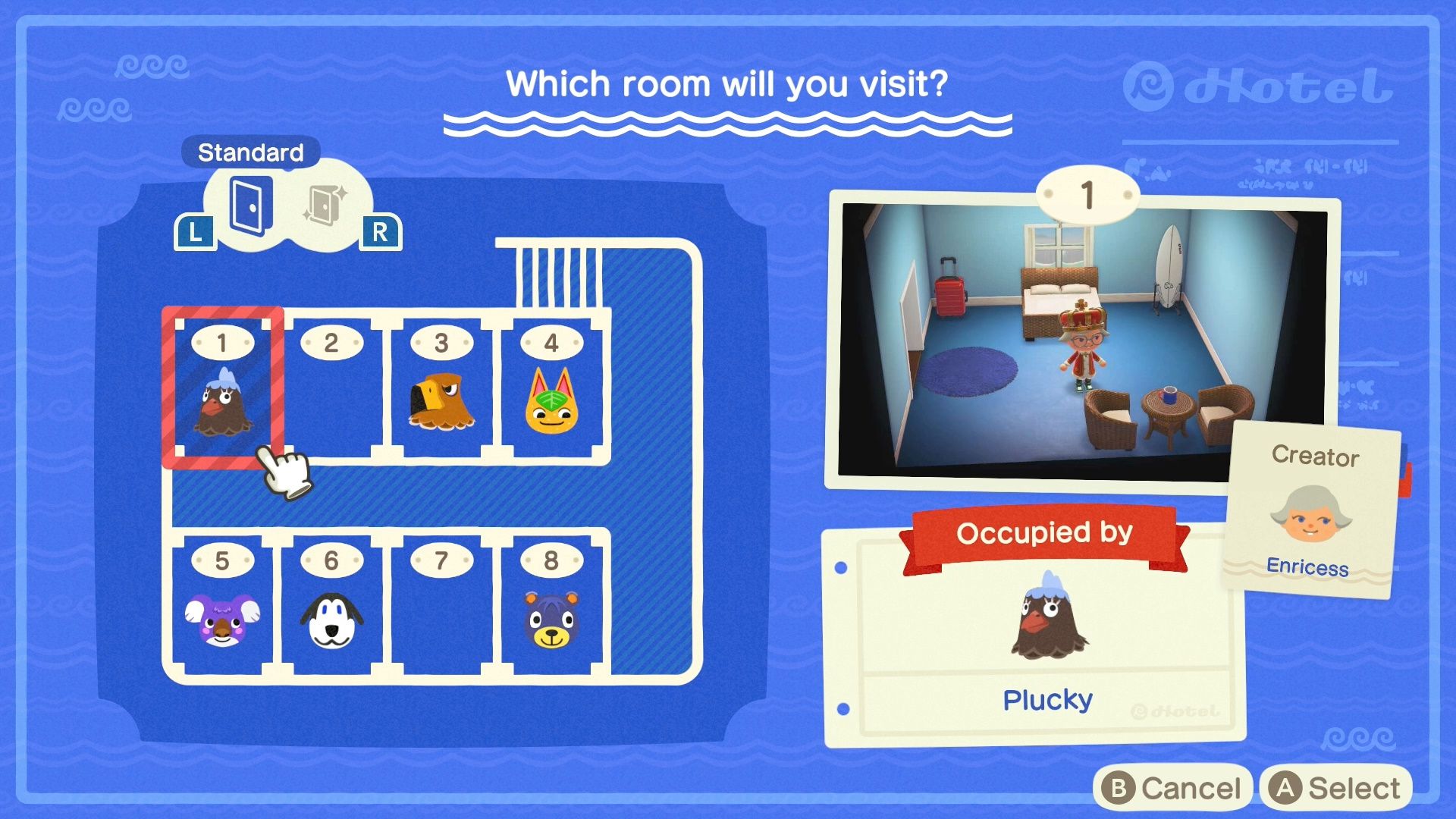
When you walk up the stairs, a Room Selection Screen will appear, showing all eight available hotel rooms and the VIP room (if unlocked). From here, you can select any room to visit and:
- Socialize with Guests: Speak to the villagers staying in the hotel to see what they think of your design.
- Interact with Decor: You can test out the furniture and interact with the items you placed, just like you would in your own home.
- Review Your Work: It’s a great way to see your themes in action!
Can You Invite Hotel Guests to Stay on Your Island?
While it would be great to have these visitors stay forever, the hotel functions differently than the Campsite. Guests stay for just one IRL day and do not have the option to move into a permanent plot. Think of them as tourists—they are there to appreciate your design skills, not to change their official residency!
Tom Nook’s DIY Request Box
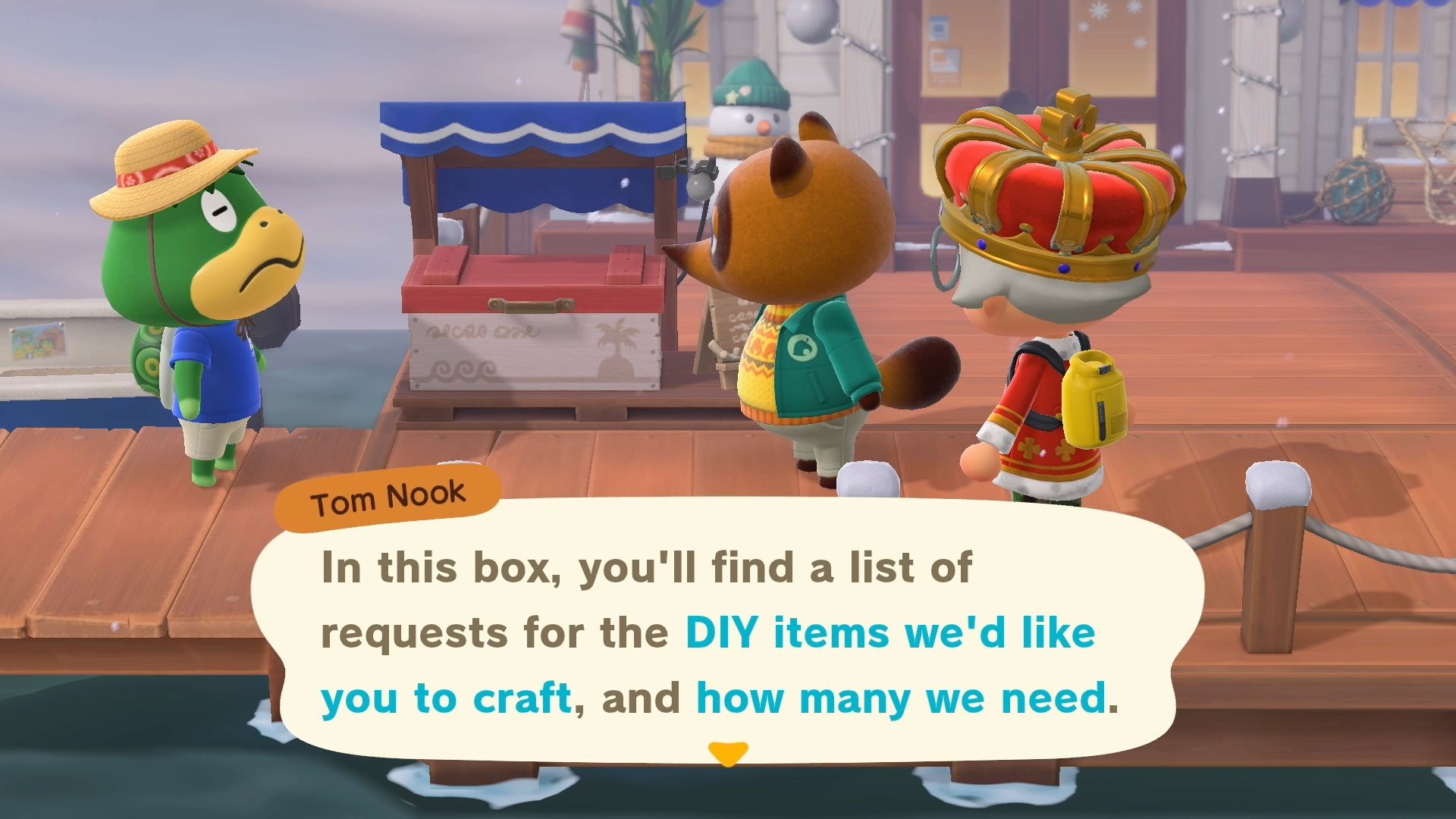
The DIY Request Box is another key feature of the hotel, located on the pier next to Kapp’n’s boat. It serves as an additional way to earn Hotel Tickets.
How to Unlock
- Complete Room 1: Help Leilani decorate the first hotel room (Seaside Theme).
- The Opening Ceremony: Attend the hotel’s ribbon-cutting ceremony.
- Talk to Tom Nook: As you exit the hotel after the ceremony, Tom Nook will stop you. He’ll explain that he needs “Island Specialities” to send offshore via Kapp’n to promote the resort.
Fulfilling Requests
There are always four active requests at any time. You can view these in three ways:
- The Box: Interact with the wooden crate on the pier.
- NookPhone: Open the DIY Recipes app and scroll to the new “Requests” tab on the far right.
- Workbench: Check the same “Requests” tab while using any crafting station.
Note: You must submit the full quantity of a request at once. If a request asks for 3 “Plain Sinks,” you must have all 3 in your inventory to hit Submit.
Rewards & Bonuses
The number of Hotel Tickets you receive depends on the “Difficulty Level” of the item (based on the rarity of its crafting materials).
- Weekly 2x Bonus: Every Monday, your first 4 requests are worth Double Tickets.
- Kapp’n’s Milestones: * 50 Bonus Tickets after your first 5 total submissions.
- 100 Bonus Tickets for every 10 submissions thereafter.
- Hotel Brand Recognition: Fulfilling requests is the only way to increase the hotel’s “Brand Recognition.” Reaching certain milestones (approx. 50 total requests) is required to unlock high-tier rewards like the Nintendo Switch 2 and Retro NES consoles in Grams’ shop.
The “Pro-Crafter” Strategy
- Pier Setup: You can place furniture on the pier! Place a DIY Workbench and a Storage Shed right next to the request box. This allows you to pull materials from your home storage and craft on the spot.
- Bulk Crafting: Use the Bulk Crafting feature (Hold ‘A’ or select the quantity) to create multiple request items at once.
- The “Reroll” Trick: If you get a request that is too expensive or difficult (like Golden items), submitting any other request will refresh the slot. Alternatively, some players report that restarting the game immediately after seeing a new request may reroll the list.
- Inventory Cleaning: You don’t have to craft the items fresh! If you have the requested items in your home storage or scattered around your island, you can simply pick them up and drop them in the box.
That’s all you need to know about the Animal Crossing New Horizons Hotel introduced in Update 3.0. This new building offers a number of new rooms for players to decorate (if you are into that!).
If you found this guide helpful, be sure to check out more of our guides for help unlocking The Roost, celebrating Turkey Day, and how to upgrade House Storage.
Thoughts on our Animal Crossing New Horizons Hotel guide? Drop them in the comments below.